 Auditius Free audio editor and multitrack studio in your browser
Change the tempo of audio without changing the pitch
Open your file, choose Effects ▸ Time/Pitch ▸ Time Stretch…, keep the mode on Preserve pitch and set a new length. Slower audio gets longer, faster audio gets shorter, and the pitch stays where it was. Auditius does it in your browser, without uploading anything.
- Free
- No install, no account
- Files never leave your computer
- English and Spanish
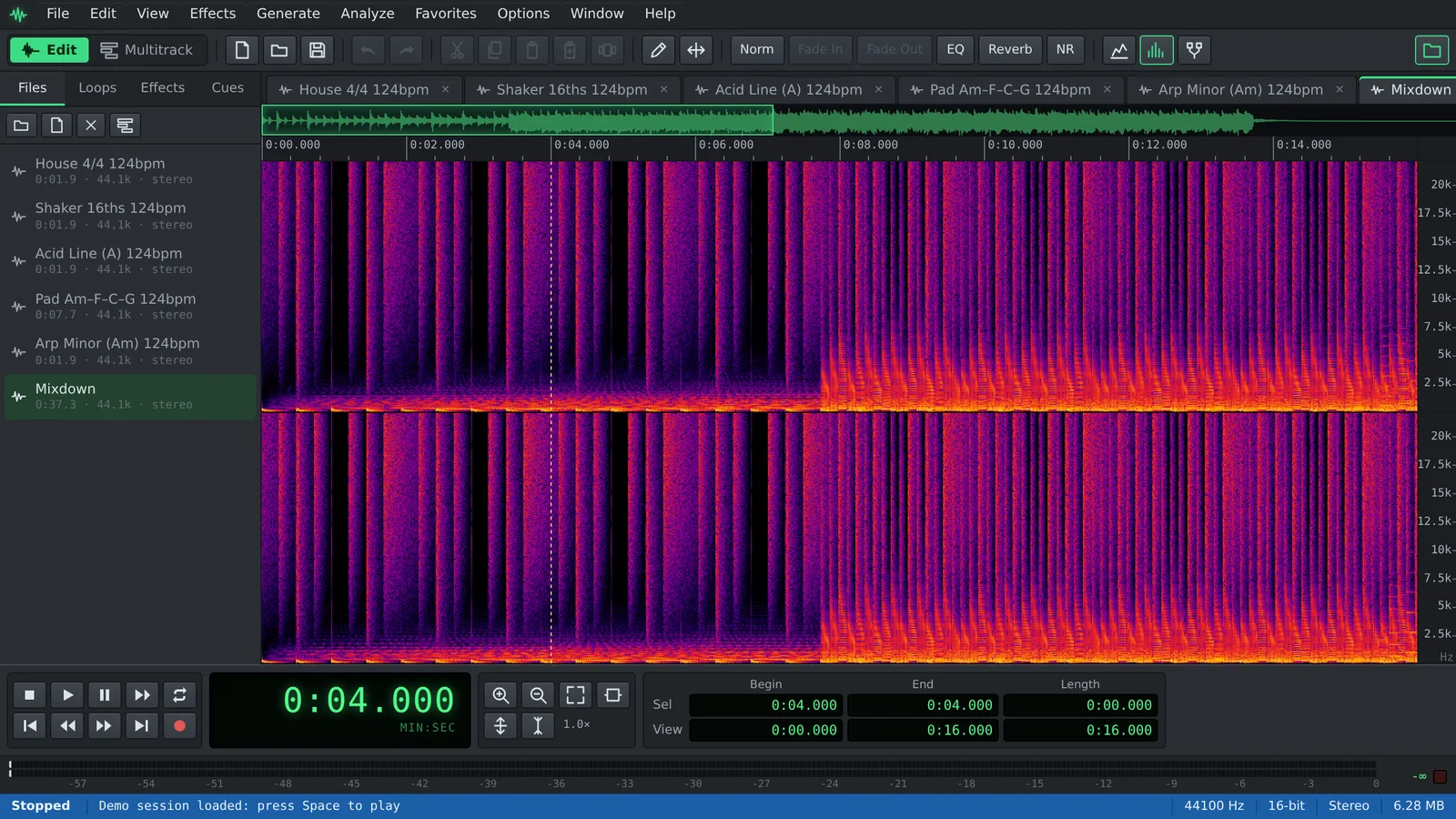
How to change the tempo of a song or recording
The Time Stretch window opens as soon as your file has loaded.
- Click Open a file to stretch, or use File ▸ Open… (Ctrl+O), and choose your audio file.
- To change only part of the file, select it first. With nothing selected, the effect applies to the whole file.
- Open Effects ▸ Time/Pitch ▸ Time Stretch… from the menu bar.
- Leave Mode on Preserve pitch (time stretch).
- Set New Length. 200% plays at half speed and 50% at double speed; the Half Speed and Double Speed presets do exactly that.
- Press Preview to listen, then click OK.
- Export the result with File ▸ Save As… in the format you need.
How to work out the new length
New Length is a percentage of the current duration, so it works the other way round from a speed control. To go from one tempo to another, divide the old tempo by the new one and multiply by 100.
From 120 to 100 BPM: 120 ÷ 100 = 1.2, so set 120%. From 90 to 100 BPM: 90 ÷ 100 = 0.9, so set 90%.
- About 10% slower: 111%.
- About 10% faster: 91%.
- 25% faster: 80%.
- The range goes from 25% to 400%, up to four times faster or slower.
Tips for clean results
Time stretching always rebuilds the audio, so a little care pays off.
- Small changes sound best. A few percent is usually transparent; extreme settings add artifacts, most audibly on drums and other sharp attacks.
- Stretch once. Several small passes in a row degrade the sound more than one pass with the final value.
- To learn a fast passage, slow it to around 125% to 150% and repeat it with Options ▸ Loop Mode (Ctrl+L).
- If you want the pitch to follow the speed, like a turntable or tape machine, choose Resample (changes pitch) in Mode, or try the Tape Slowdown preset.
Related tools: pitch and tempo in the multitrack
Effects ▸ Time/Pitch ▸ Pitch Shift… does the opposite: it changes the pitch by semitones and cents and keeps the length. Use it to move a song to another key or to tune a sample to your track.
Effects ▸ Time/Pitch ▸ Pitch Bender… changes the pitch over time along a curve you draw, with presets such as Tape Stop and Spin Up.
In the Multitrack view you rarely need to stretch by hand. Set the session tempo with Options ▸ Session Properties (Tempo)…, give a file its original tempo with File Tempo… in its right-click menu, and turn on Follow Session Tempo for the block. Auditius then stretches it to the session tempo, and Options ▸ Tempo Map… lets the tempo change during the song.
Frequently asked questions
Will the pitch change when I slow audio down?
Not with Preserve pitch (time stretch), which keeps the original pitch. With Resample (changes pitch), slower audio also sounds lower, like a tape played slowly.
How do I change the BPM of a song?
Divide the original BPM by the target BPM and multiply by 100, then use that as New Length. Auditius does not detect the BPM for you; for loops made of whole bars of 4/4, Guess from length in the File Tempo window can estimate it.
Can I speed up a podcast or voice recording?
Yes. A New Length of 91% makes it about 10% faster with the same voice pitch. Preview first: speech tolerates moderate changes well.
Is there a limit on how much I can stretch?
New Length goes from 25% to 400% in one pass. Larger changes are possible by applying it again, at a cost in quality.
Does my file leave my computer?
No. Time stretching runs in your browser, in a background worker on your own device, and nothing is uploaded.
Audio tools
- Remove background noise from audio onlineRemove background noise from audio online for free: capture a noise profile, preview the result and export a clean file. Runs in your browser, with no uploads.
- Convert audio online: WAV, MP3, FLAC and OggConvert WAV to MP3 or FLAC online for free, or turn MP3, M4A and OGG into WAV. Choose bitrate or bit depth and export, all in your browser, with no uploads.
- Cut and join audio onlineCut and join audio online: trim MP3 or WAV files, remove unwanted parts and merge several recordings into one. Free, in your browser, with no uploads.
- Make loops and beats onlineMake loops online with royalty-free drum, bass and synth loops that follow your tempo. Repeat blocks, mix tracks and export WAV or MP3, free.